

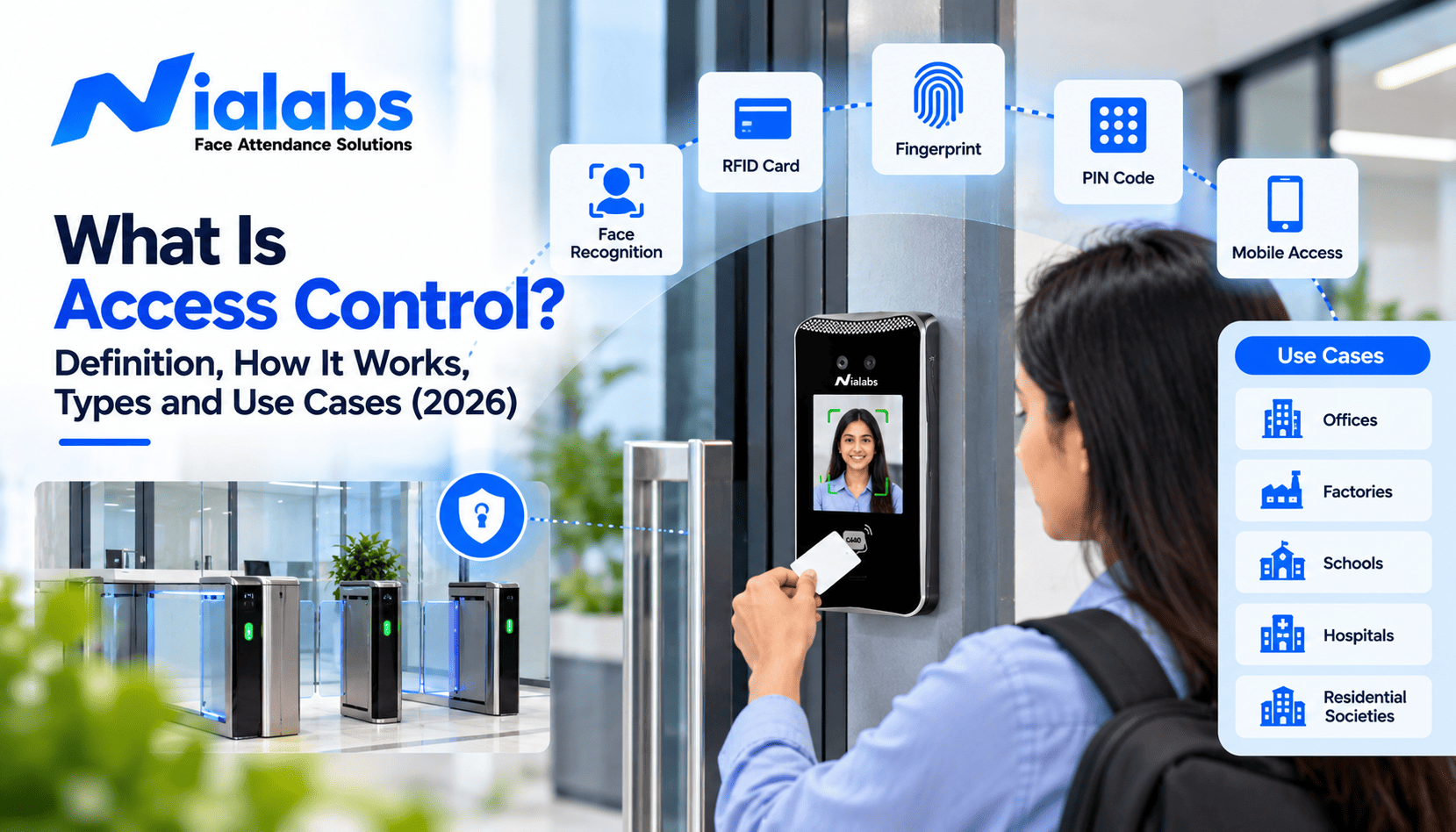
Access control is the process of deciding who can enter a place or use a resource, under what conditions, and keeping a record of every attempt. It works in four steps: identifying the person, authenticating that they are who they claim to be, authorising what they are allowed to do, and logging the result. The same idea protects office doors, school gates, server rooms, payroll software and company files.
A security guard checking a visitor register is a basic form of access control. So is a face recognition terminal at a factory gate, or a school ERP that lets a teacher see only their own classes. This guide explains access control in plain terms: how it works, the types and models, the credentials and principles behind it, and how Indian schools, offices, factories and hospitals use it in 2026.
Key Takeaways
- Access control answers three questions: who are you, what are you allowed to do, and what did you do.
- Every system follows four steps: identification, authentication, authorisation and accountability (the audit log).
- Physical access control protects doors, gates and rooms; logical access control protects software, networks and data. Most organisations need both, linked to the same employee record.
- Role-based access control (RBAC) with time rules suits most Indian schools and businesses; ABAC adds context such as location and device for higher-risk data.
- Biometric credentials cannot be lent like a card or PIN, and face recognition with liveness detection rejects photos and videos. Biometric data is personal data under the DPDP Act 2023.
Why Is Access Control Important?
Without access control, security depends on keys, cards and passwords staying in the right hands. A lost key, a card lent to a friend or an ex-employee's password that was never disabled is enough to open a door or a system that should be closed.
Good access control does three things. It keeps unauthorised people out of physical spaces and digital systems. It limits authorised people to what their role needs. And it creates a time-stamped record of every entry and attempt, which supports audits, investigations and accurate attendance.
How Does Access Control Work?
Every access control system, from a door lock to a payroll login, follows the same four steps:
| Step | Question it answers | Example |
|---|---|---|
| 1. Identification | Who are you claiming to be? | Showing a face, card or employee ID at a terminal |
| 2. Authentication | Can you prove it? | The face matches the enrolled template, with a liveness check |
| 3. Authorisation | What are you allowed to do? | A teacher may enter the staff room but not the accounts office |
| 4. Accountability | What did you do, and when? | Every granted and denied attempt is logged with a timestamp |
1. Identification
The person presents a claim of identity: a card, an employee ID, a username or a biometric trait such as a face or fingerprint.
2. Authentication
The system checks that claim against stored records. Stronger systems combine two different credential types, known as multi-factor authentication, for example a card plus a face match.
3. Authorisation
Once identity is confirmed, the system decides what that person may do: which doors, floors, files or functions, and at what times. A contractor might be allowed in only between 9 AM and 5 PM.
4. Accountability
Every attempt, granted or denied, is recorded with the person, place and time. HR, security and auditors use this log later to investigate incidents and prove compliance.
Identification is not authorisation. A system can know exactly who you are and still keep you out of the server room.
Types of Access Control: Physical vs Logical
| Physical access control | Logical access control | |
|---|---|---|
| Protects | Buildings, gates, floors, rooms, cabinets | Software, networks, files, databases |
| Typical tools | Electronic locks, turnstiles, barriers, biometric terminals | Passwords, SSO, permissions, access control lists |
| Example | Only lab staff can open the chemistry lab | Only HR can open salary records in the HRMS |
| Main risk | Tailgating, lent cards, lost keys | Shared passwords, unrevoked accounts |
Physical Access Control
Physical access control secures spaces such as campuses, offices, classrooms, hostels, store rooms and data centres. An electronic system combines readers, controllers and locking hardware such as magnetic locks, turnstiles and boom barriers. Features like anti-tailgating stop a second person from slipping in behind an authorised one.
Logical Access Control
Logical access control secures digital resources. A school ERP that shows a teacher only their own classes, or an HRMS that lets payroll staff see salaries but not biometric records, are both examples. Permissions are usually stored in an access control list for each resource.
The two are increasingly linked. When an employee leaves and is removed from the HR system, their door access and software logins should be removed at the same time.
Access Control Models: DAC, MAC, RBAC, ABAC and Rule-Based
Access control models decide how permissions are granted. Five models are in common use:
| Model | How access is decided | Best for |
|---|---|---|
| Discretionary (DAC) | The owner of a resource decides who can use it | Small teams and shared files |
| Mandatory (MAC) | A central authority sets fixed security levels users cannot change | Defence, government and high-security research |
| Role-based (RBAC) | Access follows the person's job role | Most schools, offices and factories |
| Attribute-based (ABAC) | Rules combine user, resource and context such as time, device or location | Sensitive data and complex organisations |
| Rule-based | Fixed rules set by an administrator apply to everyone | Time windows and lockdowns, often combined with RBAC |
Discretionary Access Control (DAC)
The owner of a resource, such as the person who created a folder, decides who else can use it. DAC is simple and flexible, which suits small teams, but it becomes hard to control as an organisation grows because permissions spread informally.
Mandatory Access Control (MAC)
A central authority assigns security labels to people and resources, and users cannot change them. MAC is used in defence, government and high-security research settings where strict control matters more than flexibility.
Role-Based Access Control (RBAC)
Access is granted by job role. An administrator creates roles such as "Teacher", "Warehouse Staff" or "Accounts" and assigns people to them; when someone changes roles, their access changes with it. RBAC scales well, which is why it is the most common model in Indian schools and businesses.
Attribute-Based Access Control (ABAC)
ABAC makes decisions from several attributes at once: the user's department, the resource, the device, the location and the time. For example, a finance manager can open payroll files only from the office network during working hours. ABAC is more flexible than RBAC but takes more effort to design and maintain.
Rule-Based Access Control
Fixed rules set by an administrator apply to everyone, regardless of identity, such as "the server room stays locked after 8 PM" or "contractor access ends when the shift ends". It is usually layered on top of RBAC to add time limits and zone-based access control.
Types of Access Control Credentials
Credentials fall into three groups: something you have, something you know and something you are.
| Credential type | Examples | Strengths | Weaknesses |
|---|---|---|---|
| Something you have | RFID cards, key fobs, mobile app passes | Cheap and easy to issue | Can be lost, lent, stolen or cloned |
| Something you know | PINs, passwords | No hardware cost | Shared, forgotten or guessed |
| Something you are | Face, fingerprint, palm | Cannot be lent; nothing to carry | Needs enrolment and DPDP-ready data handling |
Biometric credentials are tied to the person, so they cannot be handed to a colleague. Modern face recognition terminals also use liveness detection to block photo and video spoofing, so a printed picture or a face on a phone screen is rejected. For high-security areas, combine two credential types.
Key Principles of Access Control
- Least privilege: give each person only the access their work needs. A receptionist does not need the data centre.
- Separation of duties: no single person should control every step of a sensitive process, such as both approving and releasing a payment.
- Zero trust: verify every request, every time, instead of trusting someone permanently once they are inside.
- Regular review: check roles and permissions on a fixed schedule so access matches current jobs.
Access Control Examples and Use Cases in India
| Sector | Typical use |
|---|---|
| Schools and colleges | Face recognition at gates and staff areas; restricted labs, store rooms and exam cells; entries linked to the school ERP |
| Offices and IT companies | Floor-wise access, restricted server rooms, time-limited visitor passes, access removed when an employee exits HR records |
| Factories and warehouses | Shift-based gate access, restricted production and storage zones, contractors limited to set areas and hours |
| Hospitals and clinics | Tighter control of pharmacies, labs, ICUs and record rooms than public waiting areas |
| Hostels, gyms and clubs | Member entry linked to plan validity and renewals |
| Visitor management | Pre-registered guests, QR check-in and a live log of who is on site |
Gyms, hostels and clubs often connect entry to membership plans and renewals, so access stops when a plan expires. Offices and schools can pre-register guests and issue QR passes through a visitor check-in and gate control system.
Common Access Control Challenges and How to Fix Them
| Challenge | What goes wrong | Fix |
|---|---|---|
| Permission creep | People change roles but keep old access | Review roles every quarter; use RBAC so access follows the role |
| Shared credentials | Cards and PINs are lent or copied | Use biometrics with liveness detection, or add a second factor |
| Delayed offboarding | Ex-employees keep access for weeks | Link door and software access to the HR record so exit removes both |
| Disconnected tools | Door logs, attendance and software permissions sit in separate systems | Connect them through APIs or one platform |
| Privacy risk | Biometric data is collected without clear purpose or limits | Collect the minimum, give notice, restrict access and set deletion rules |
Access Control and the DPDP Act 2023
Biometric templates, entry logs and identity records are personal data under the Digital Personal Data Protection Act 2023. The DPDP Rules 2025 were notified on 13 November 2025, and most obligations become enforceable on 13 May 2027.
In practice, organisations should have a lawful basis for collecting the data, tell people what is collected and why, collect only what is needed, restrict who can see it, protect it with reasonable security and delete it when it is no longer required. Look for systems with built-in consent management. Schools can use our DPDP Act guide for school biometric attendance as a checklist. This is general guidance, not legal advice.
How Access Control Is Changing in India
Indian organisations are moving from keys, registers and standalone card readers to cloud-managed biometric systems. Instead of managing each door separately, administrators control every site from one dashboard, and entry data flows into attendance and payroll.
Face recognition is the fastest-growing credential because it is contactless, quick at peak times and cannot be lent. Mobile credentials and QR passes are growing for visitors and field staff, often alongside biometrics for permanent employees.
When Does Your Organisation Need Access Control?
Start with a written access policy: who needs access to what, and when. Move to an electronic system when manual methods stop working. Common signs include:
- Keys or cards are lost, shared or copied regularly
- Former employees or contractors still have access
- Proxy attendance or tailgating at entry points
- Restricted rooms such as labs, server rooms or store rooms need monitoring
- Audit or incident questions about who entered when cannot be answered quickly
For a hardware-focused walkthrough of readers, controllers and locks, see our beginner's guide to access control systems, and compare devices in our biometric access control buyer's guide for India.
How Nialabs Helps
Nialabs builds both the hardware and the software. Nialabs door and gate access control uses NiaFace face recognition terminals with liveness detection and a cloud dashboard, so one setup handles who can enter, attendance and reporting across every site. Access rules can follow roles, zones and time windows, and entry data can flow into attendance and payroll.
Frequently Asked Questions
What is access control?
Access control is the process of deciding who can enter a place or use a resource, under what conditions, and recording every attempt. It protects physical spaces such as doors and gates, and digital resources such as software, networks and files.
What are the four steps of access control?
The four steps are identification, authentication, authorisation and accountability. The person claims an identity, the system verifies it, the system decides what that person may access, and every attempt is logged with a timestamp.
What is the difference between authentication and authorisation?
Authentication verifies who a person is, for example by matching their face or password. Authorisation decides what that verified person is allowed to do, such as which doors they can open or which files they can view.
What are the main types of access control?
The two main types are physical access control, which protects buildings, rooms and gates, and logical access control, which protects software, networks and data. The common models are DAC, MAC, RBAC, ABAC and rule-based access control.
Which access control model is best for most organisations?
Role-based access control (RBAC) with time-based rules suits most schools and businesses because access follows each person's job role and is easy to manage as people join, move or leave. ABAC can be added for highly sensitive data.
Is biometric access control better than card access?
Biometric access control is more secure than cards for most uses because a face or fingerprint cannot be lent, lost or copied like a card. Face recognition with liveness detection also rejects photos and videos. Cards remain useful for visitors and short-term access.
Is biometric access control allowed under the DPDP Act 2023?
Yes. Biometric access control can be used under the DPDP Act 2023 if the organisation has a lawful basis, gives clear notice, collects only what it needs, restricts access, keeps the data secure and deletes it when no longer required.
Conclusion
Access control comes down to three questions: who is this person, what are they allowed to do, and what did they do. Get those right with clear roles, strong credentials and complete logs, and you reduce unauthorised entry, protect sensitive data and can answer any audit question quickly.
