A missing key, a photocopied ID card, a terminated employee who still remembers the PIN. These are not exceptions; they are a daily security lapse that costs Indian organizations lakhs annually due to theft, data loss, and non-compliance. An access control system fills these loopholes once and for all.
This guide is intended for every organization owner, HR manager, or IT admin, and walks them through access control systems, defines what they are, how they operate, which type suits their business, and what to consider when opting for an access control system in India.
What is an Access Control System?
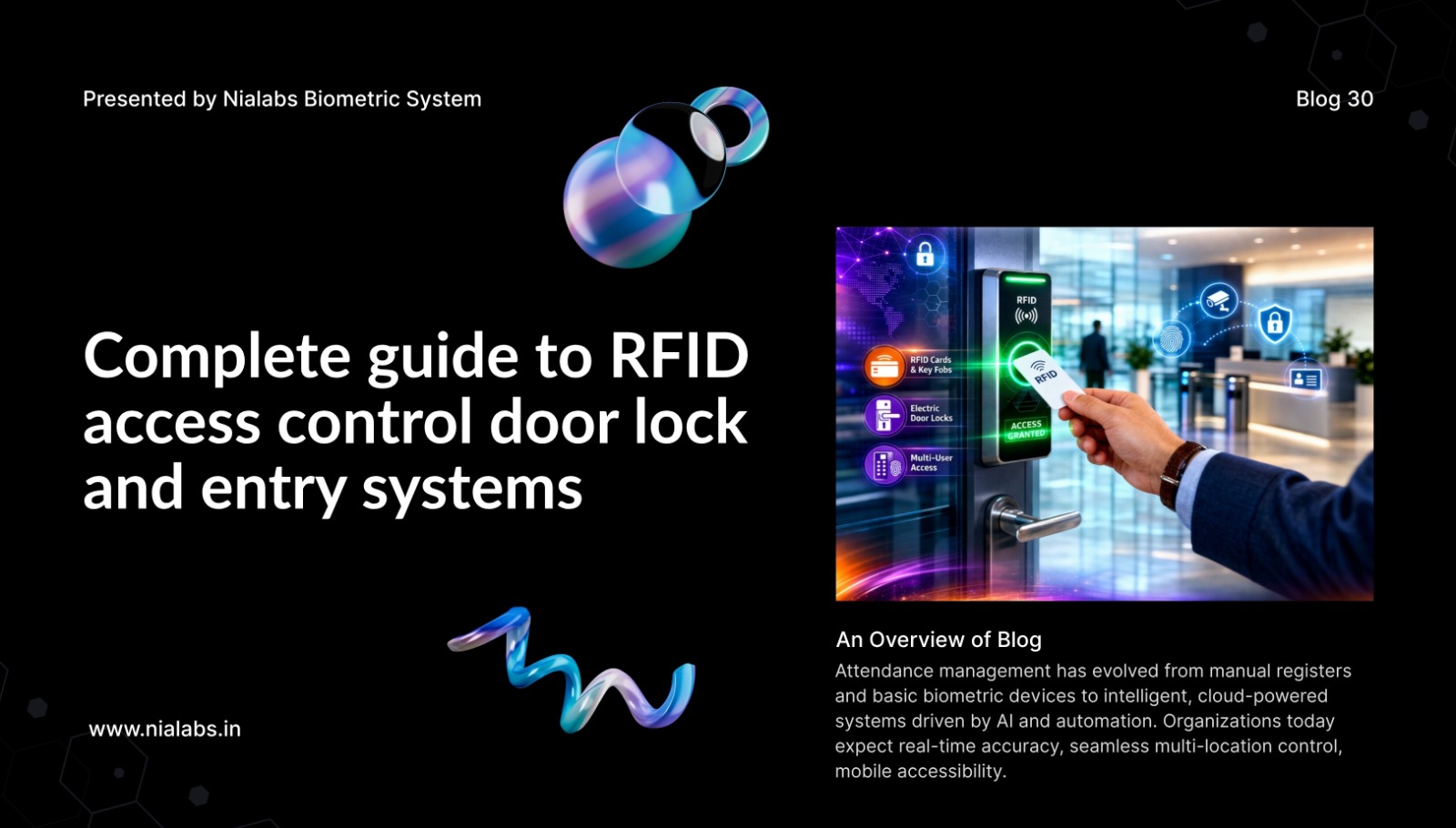
An access control system is a method for controlling where a person can or cannot go in a certain area, when they can access it, and under what conditions. Unlike a key, this system uses biometrics and other credentials, such as fingerprints, face recognition access control, RFID cards, and PINs, to verify the individual’s identity before granting access.
Each access control system asks three real-time questions: Who is this? Is this person allowed to be in this place? Can this person be here? All 3 checks must be correct to allow access. If 1 check is incorrect, the access attempt will be recorded and denied.
How does an Access Control System Work?
Four modules are used to make entry decisions within a second:
-
Credential:
A means by which a person’s identity is proven. This is most commonly either some biometrics (fingerprint access control system, facial recognition) or something the person possesses, such as a proximity card, a mobile phone NFC tap, or simply a PIN number.
-
Reader:
A device positioned at the entry point, which captures the credential. Nialabs produces a multi-modal reader, integrating finger scan, face recognition attendance system, RFID, and NFC at a single unit, replacing a distinct device at every door.
-
Controller:
The core of the system receives information from the reader, comparing with an authorised user database, and provides a grant/deny response.
-
Lock or Barrier:
The physical input responds to the decision given by the controller. Examples include an electric lock, a flap barrier, turnstiles, boom gates, and a door release.
What are the Types of Access Control Systems?
Selecting the incorrect type is arguably the biggest and most expensive mistake an organization can make. The four models are as follows:
-
DAC (Discretionary Access Control)
The resource owner has complete control over what and to whom a resource can be accessed. This is suitable for small groups and is not scalable for larger settings.
-
MAC (Mandatory Access Control)
The owner of the data is not able to modify the access rights, but they are set by a global policy that states who has access according to predefined security classifications. This model is most frequently used in Government/defence or very high-security research.
-
RBAC (Role-Based Access Control)
It is the most commonly implemented model today in Indian enterprises. Users are given access based on the role assigned and not to an individual. For eg. accounts executive granted access to the finance floor, a delivery agent to reception only, etc. Removing/adding an access needs changing role without touching any hardware.
-
ABAC (Attribute-Based Access Control)
It gives further conditions over roles, time, day, and geographical location. For eg, a warehouse manager can have access to the inventory zone only from 7 AM to 9 PM on working days.
In contemporary implementations, most access control systems employ the combination of RBAC with time constraints, and this is the standard setting in the Nialabs access control products.
What is the Difference Between Biometric and Card-Based Access Control?
This is one of the most common questions from organizations evaluating their very first system.
-
Card-based systems:
RFID access control systems or smart cards are very low-cost to install and have a short implementation time. The drawback is that cards get lost, shared, or cloned. A card can be badged in for another individual, entirely undermining the purpose.
-
Biometric systems:
Biometrics system verifies based on bodily characteristics that are difficult or impossible to copy or transfer. The face recognition terminals make use of live-face detection with the aid of AI, so the system will be able to identify a live person’s face with a printed photo or mask. This is an extremely important security feature for areas with high pedestrian traffic.
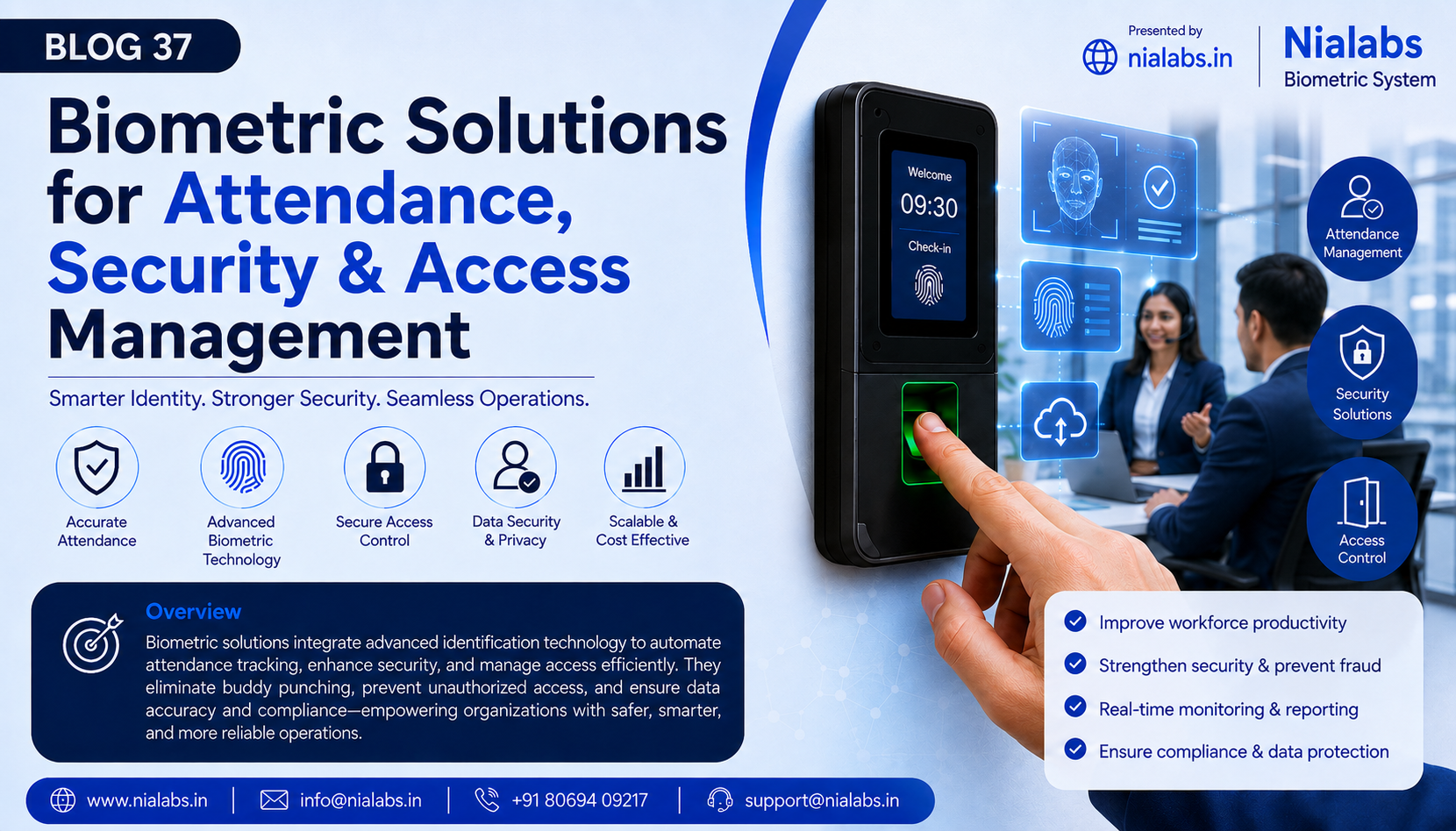
A biometric access control system is the only way to guarantee attendance accuracy and security in areas that demand both. The system that utilizes cards should rather be a supplementary authentication factor in a multi-factor identification system within high-security zones.
Why do Businesses Need Access Control Systems?
In addition to security, top access control systems can be useful in providing three operational benefits:
-
Automated, accurate attendance management
By integrating with HRMS and payroll systems, it will give accurate attendance records. Buddy punching does not occur, as payroll is managed with accurate data.
-
Compliance with the Indian DPDP Act 2023
Systems for controlling access to facilities create a traceable audit log with time stamps, giving access control compliance information that the regulator can review in compliance with the DPDP Act 2023.
-
Centralised control of operations with Multi-branches
Systems like Nialabs that utilize cloud access will be able to give or remove rights and produce reports for each of the branches from one centralized interface.
What is the cost of an access control system in India?
Depending on implementation, the type of credential used, and whether it has to be integrated with already existing systems. In reality, the important question is the cost of not having one, such as the financial cost of payroll leakage from attendance fraud, the legal costs and liability from an unauthorised access incident, and the fines you can receive under data protection laws.
FAQ
-
What is the life span of an access control system?
The majority of biometric terminals and controllers last around 7-10 years with regular maintenance. Nialabs devices are designed for perpetual running operation in India with its humid and dusty conditions.
-
Does an access control system require the internet to function?
Yes, these standalone terminals will locally save information and can operate offline. A cloud-based system would also be given an offline mode, such that no loss of entries is made during downtime.
-
Where is the biometric information saved, in the device or in the cloud?
Nialabs terminals provide storage within the terminal itself as well as secured, synchronized cloud backup. As per the DPDP Act 2023 of India, biometric information is classified as personal sensitive information requiring such data storage & processing with stipulated security and consent obligations.
-
Can an access control system be integrated with an HRMS/ERP system?
Yes, Nialabs products integrate with the most popular HR/payroll systems via APIs, so that attendance is synchronized automatically and reporting is consolidated on the workforce without duplicate entries.
Conclusion
Access control software is not a security purchase that you make just once; it is an operational system, an essential layer of security that controls your facilities, authenticates your workforce, and ensures that your business is ready for audit. In the face of rapidly expanding operations and changing regulations facing businesses across India, ditching physical keys is not just an option; it’s an absolute necessity.
Nialabs access control solution provides the complete end-to-end solution for access, control, tailor-made for India, a market with the availability of multi-modal biometrics terminals, cloud-based access control integrated directly with your HRMS solution from one single vendor. The company has both hardware and software in place to meet requirements, from locking a single door to a multi-site installation.